
Installing the System
Scan the QR code on your starter package box to register your devices.
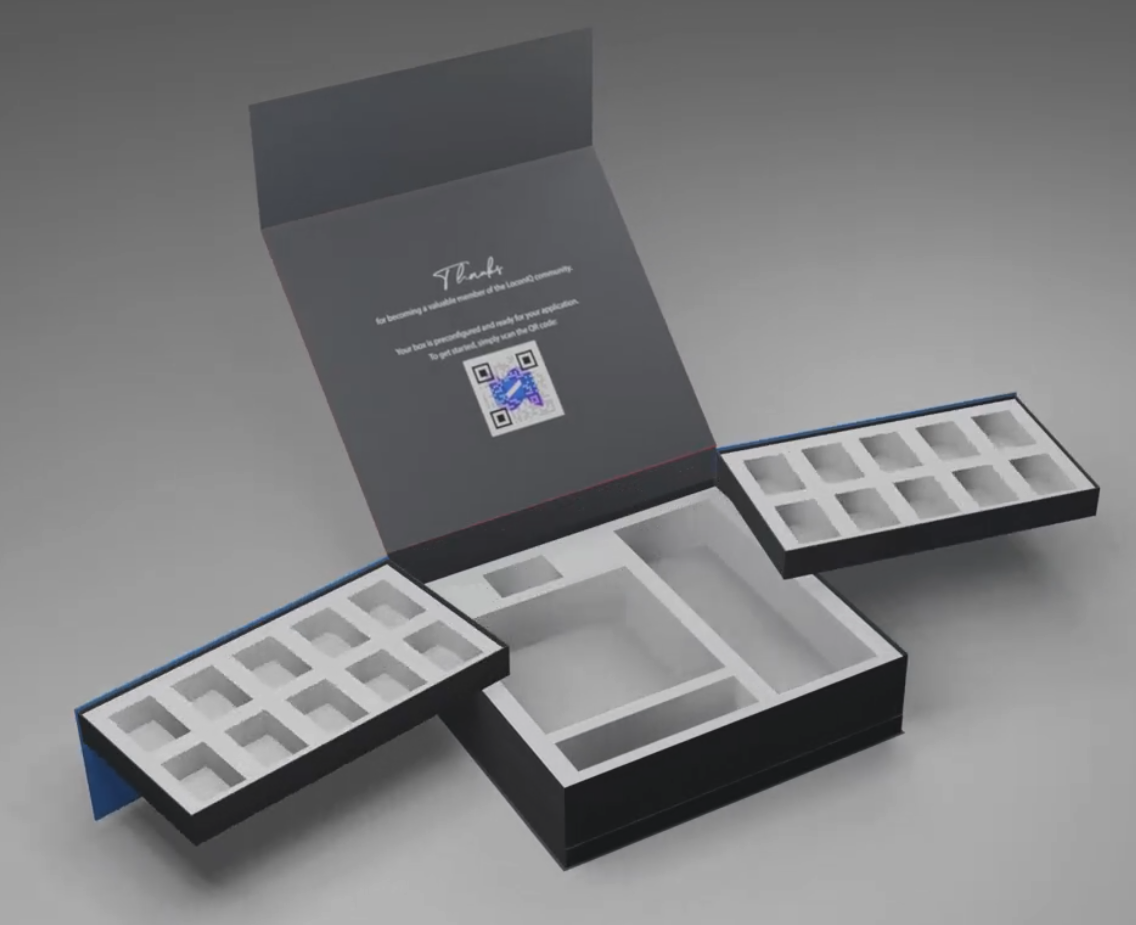
Starter package with QR code
To use the QR code, open the Admin App and tap the + button.
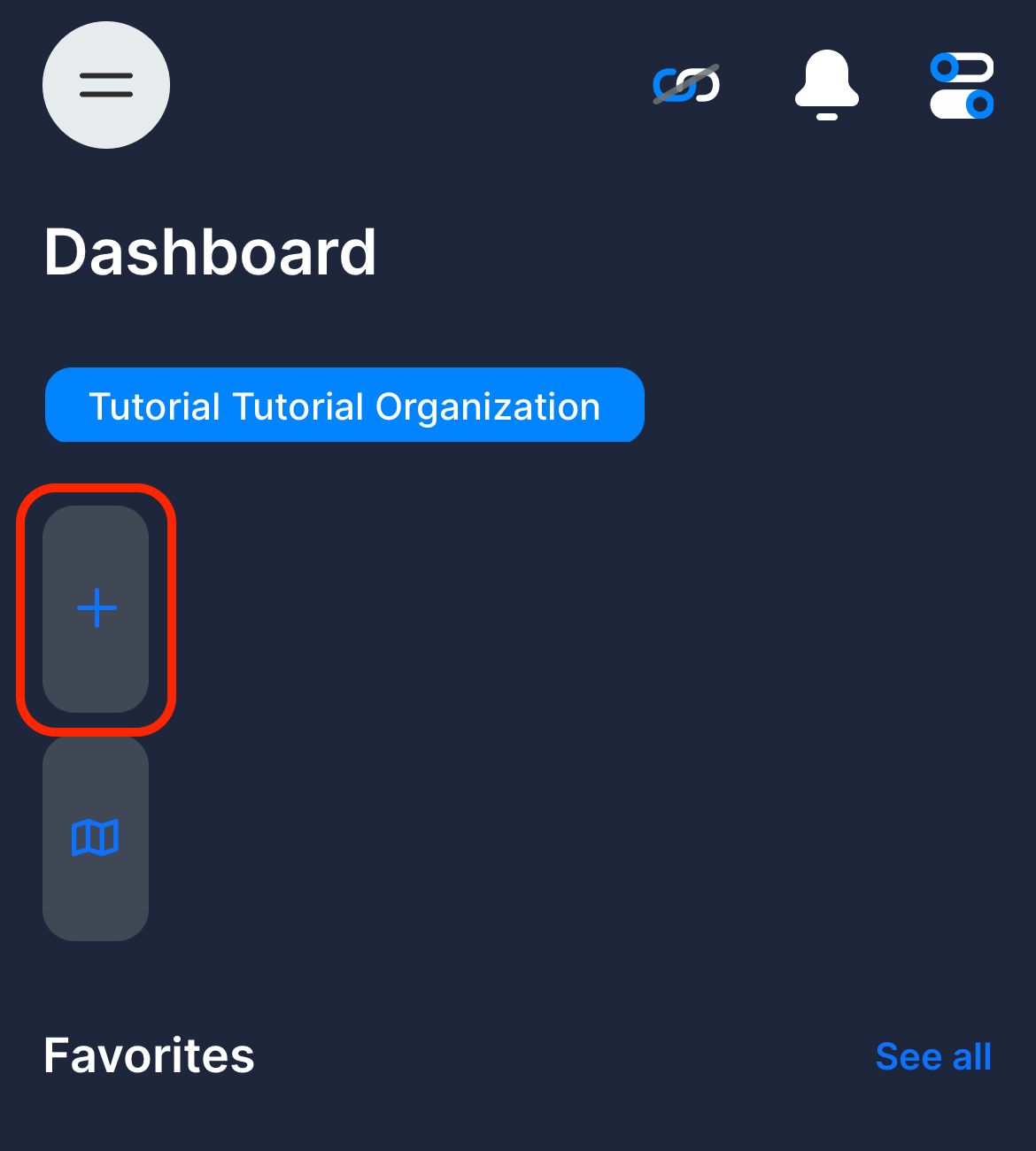
Tap New Locis and scan the QR code. Select the organization for your devices and tap Confirm Delivery.
Updated 8 months ago
What’s Next
Did this page help you?