
Introduction
Overview of LoconIQ's devices and the terminology used
This page defines the key terms you will encounter throughout the LoconIQ documentation.
Devices
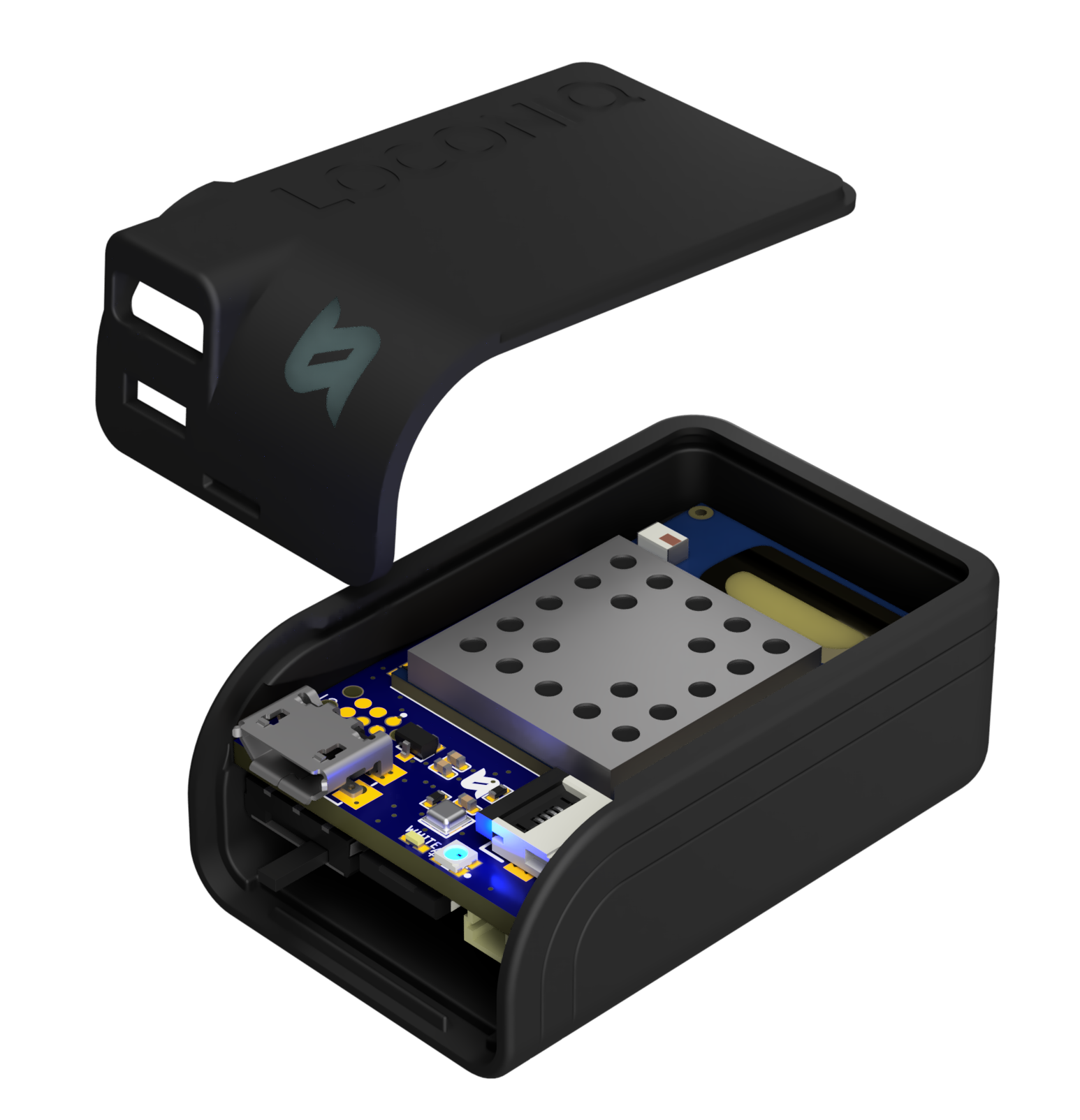
All LoconIQ devices share the same electronic components, so you can assign different software-defined roles to each device. Devices can substitute for one another without pre-installation network planning. Collectively, these devices are called Locis.
LoconIQ also provides a mini-computer called an Edge device that operates directly at your site. The Edge handles data collection, processing, and storage on-premises, giving you low-latency operations and full control over your data. The Edge requires a persistent internet connection for monitoring, configuration, and firmware updates.
- Locis: This is the general term for LoconIQ's localization hardware, which can take on various software roles, such as Access Points (APs), Tags, or AP Lead.
- Access Points (APs): These Locis are mounted at fixed positions in a customer's environment, serving as reference devices located at known coordinates.
- Tag: A Tag is a type of Loci that can freely move in the environment while being localized by the stationary Access Points (APs).
- AP Lead: This Loci is directly connected to the Edge and controls the AP network. It will also capture all data and forward it to the Edge.
- Edge: The Edge is a computation unit that operates within your environment. LoconIQ includes it in the starter package. It performs several key functions:
- Gateway: Sends measurement data to the Cloud for convenient data access (if applicable).
- Localization: Calculates Tag positions on-premises, removing the need for an internet connection during localization. This reduces latency and lowers cloud server costs.
- Configuration: Maintains a copy of the system configuration, so localization continues even during brief internet outages.
- Billing: Tracks connected devices and uploads this data to the Cloud at least once within a defined timeframe, allowing the Cloud to calculate billing per customer.
Additional Terminology
- On-Premise: All components that operate on-site at your location. The on-premise solution takes two forms: stationary (installations within a building) or dynamic (systems deployed on vehicles, drones, and other mobile platforms).
- Cloud: All components that operate outside the on-premise solution. The Cloud is your primary interaction point, hosting the API and Dashboard you use to configure the on-premise solution.
Updated 8 months ago