
Display Tag Orientation and/or Acceleration
To display the orientation/acceleration for tracked tags in an environment, tap the filter icon in the top right:
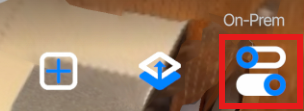
Then activate the tag display options you want via the toggles:
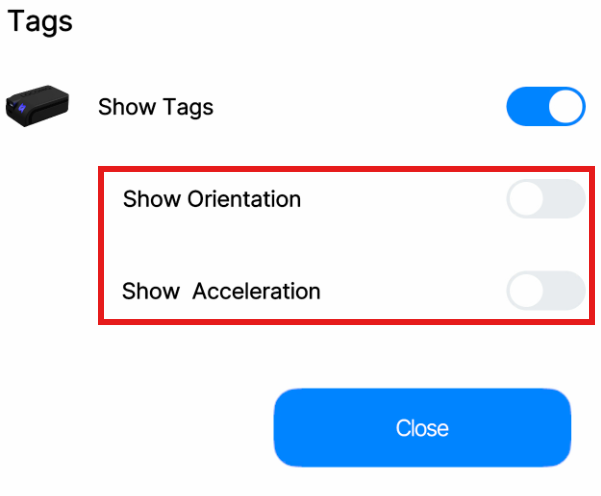
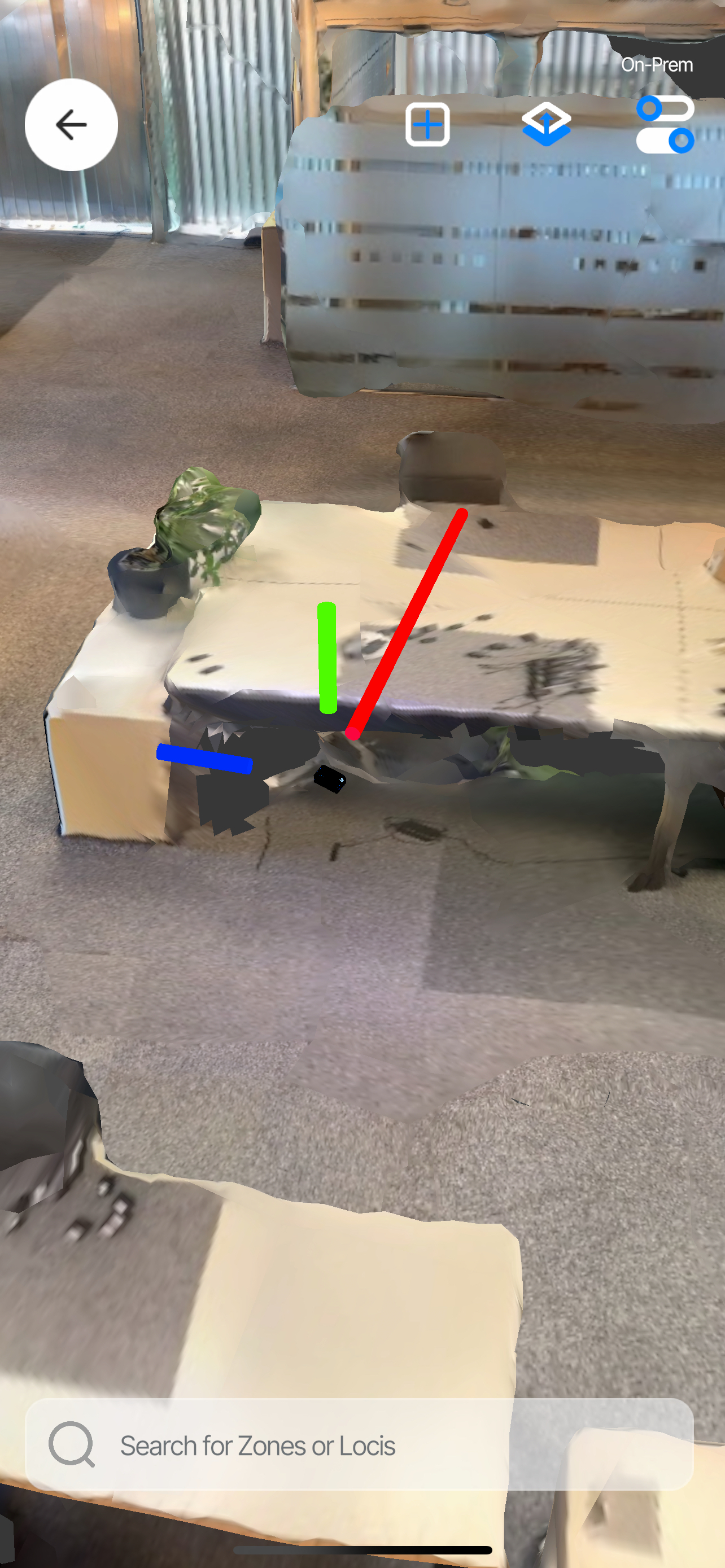
You can see the orientation based on the tag model and the acceleration in the x, y, and z directions based on the length and direction of the red, blue, and green indicator bars.
For the orientation yaw (rotation around the vertical/z axis) to display correctly, align the origin rotation with magnetic north as described in Edit Origin Position and Rotation.
Updated 8 months ago
Did this page help you?