
Zones
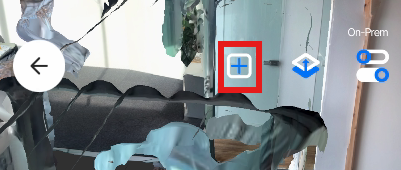
To add a zone, tap the + icon and then tap Create Zone.
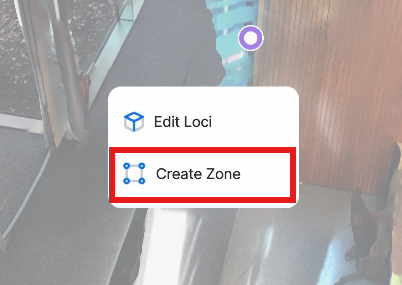
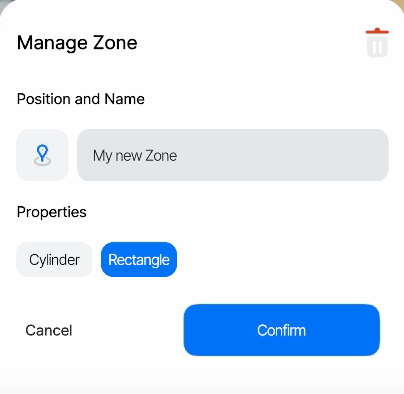
You can rename your Zone and select what shape the Zone should be here.
Just like for Access Points, you can also edit a Zone via icon and via the search function.
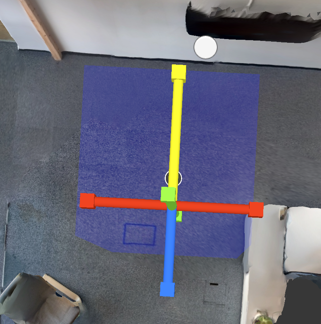
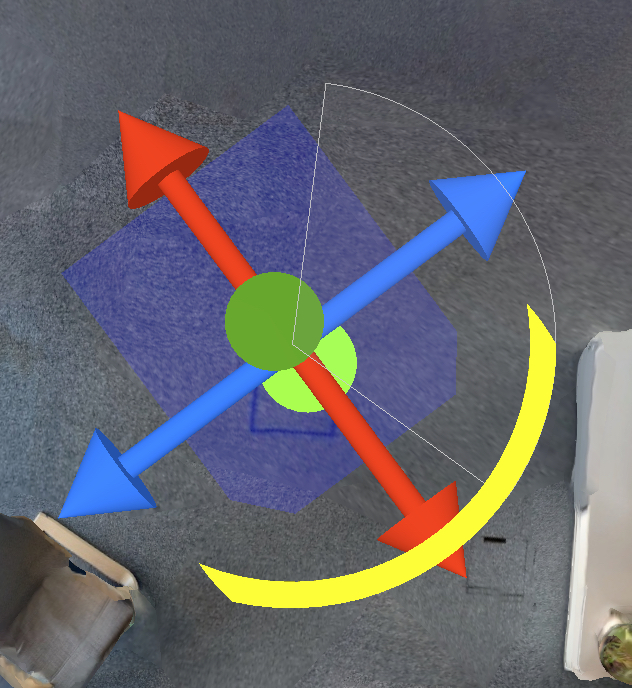
To define the new Zone's position and size, tap the Select Position icon, then tap and hold anywhere in the model to set the position and adjust it with the Gizmo arrows.
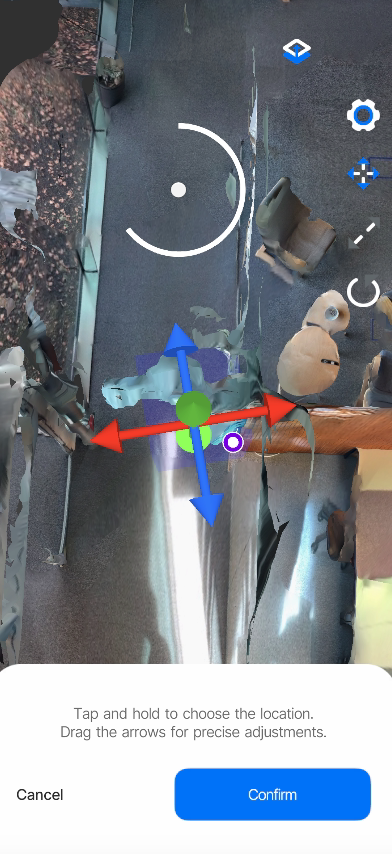
In addition to the position, Zones can be rotated and have different sizes.
Scale of the Zone
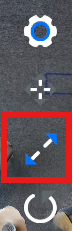
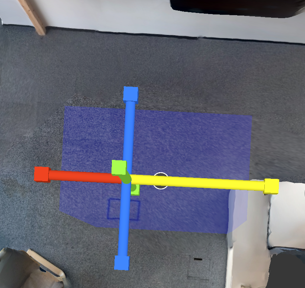
To switch into scaling mode, tap the Scale icon and drag the arrows in the direction you want to scale the Zone.
Rotation of the Zone
To toggle rotation mode, click the Rotation Mode icon, then drag the rotation gizmo until the zone is rotated correctly.
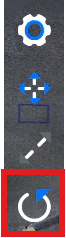
Tap Confirm to stage your changes and return to the edit mode. Press Cancel to return while discarding your changes.
Trigger sensitivityIf you want to customize the sensitivity of a Zone — how long it takes for Tags to transition from "Inside" to "Outside" and vice versa — reach out to us.
The standard sensitivity makes sure a Tag is really inside a Zone and is not just touching its edge.
Updated 8 months ago