
Scan 3D environment
Questions that came up while testing the demo box
Scanning your Environment requires you to use any 3D scanning app that can provide an FBX file of your scan. For smaller environments, Scaniverse can be used. For larger ones, we recommend Matterport.
Before scanning, make sure to have good lighting and to clear any non-permanent objects you don't want present in the model. It is beneficial to place the Access Points in the area before scanning so their locations can be seen in the final model.
Check the generated mesh for holes in the floor, uneven surfaces, and other inaccuracies, and repeat the scanning process if you are dissatisfied with the mesh quality. The better the mesh, the smoother your experience going forward will be.
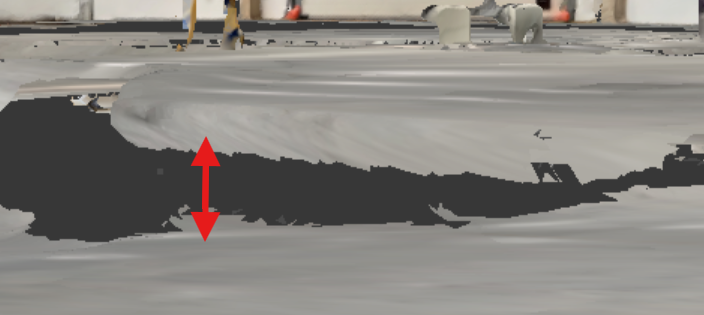
uneven floor
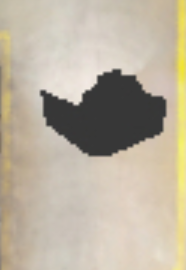
hole in the floor. Paths will be calculated around it.
Updated 8 months ago
What’s Next
Did this page help you?