
Navigating the Admin App
The Admin app works with a camera orbiting a focal point. Learn how to orbit, zoom, and readjust the focal point to navigate around your environment.
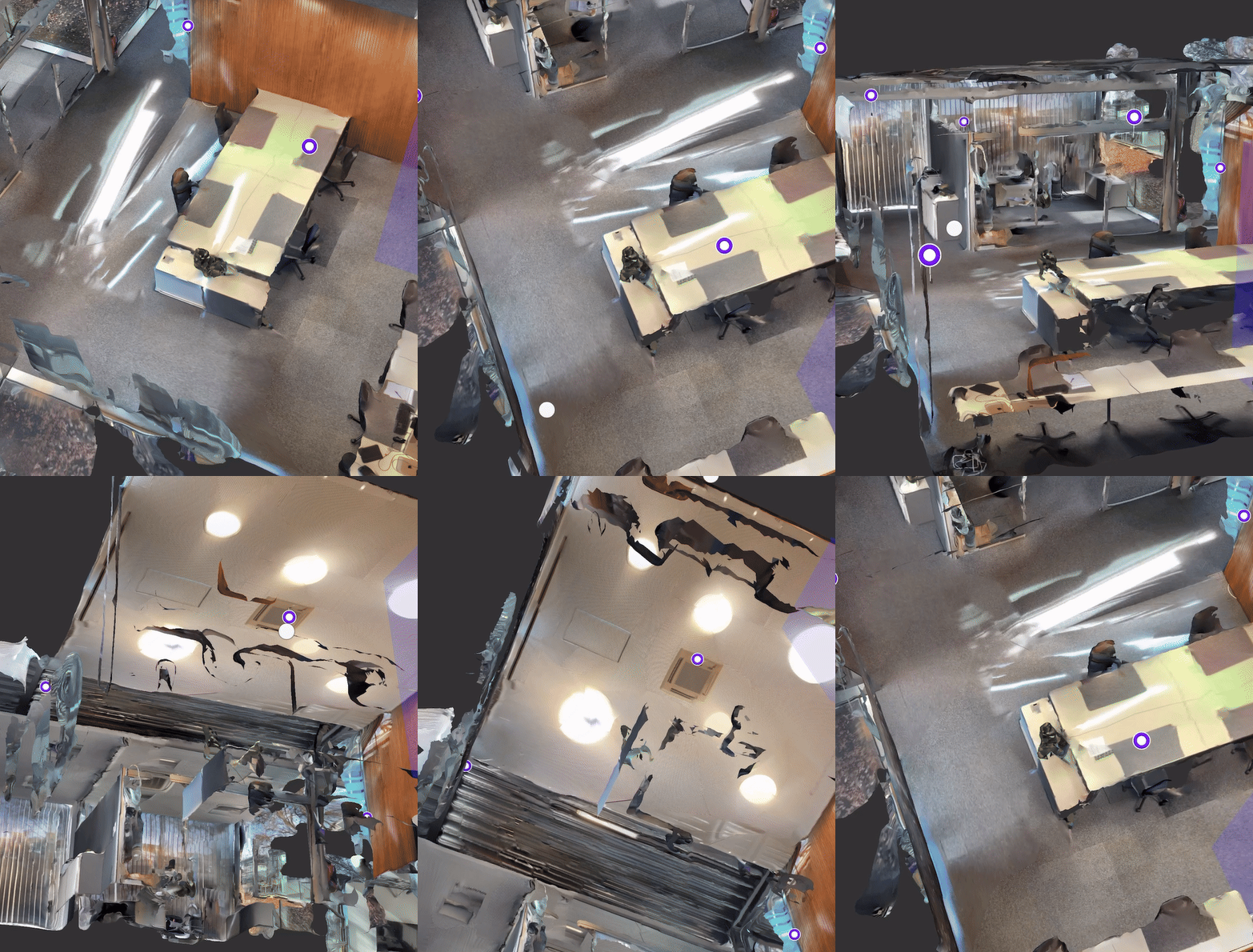
Orbit around the focal point
To orbit around the focal point, swipe with one finger in the direction you want to move the environment.
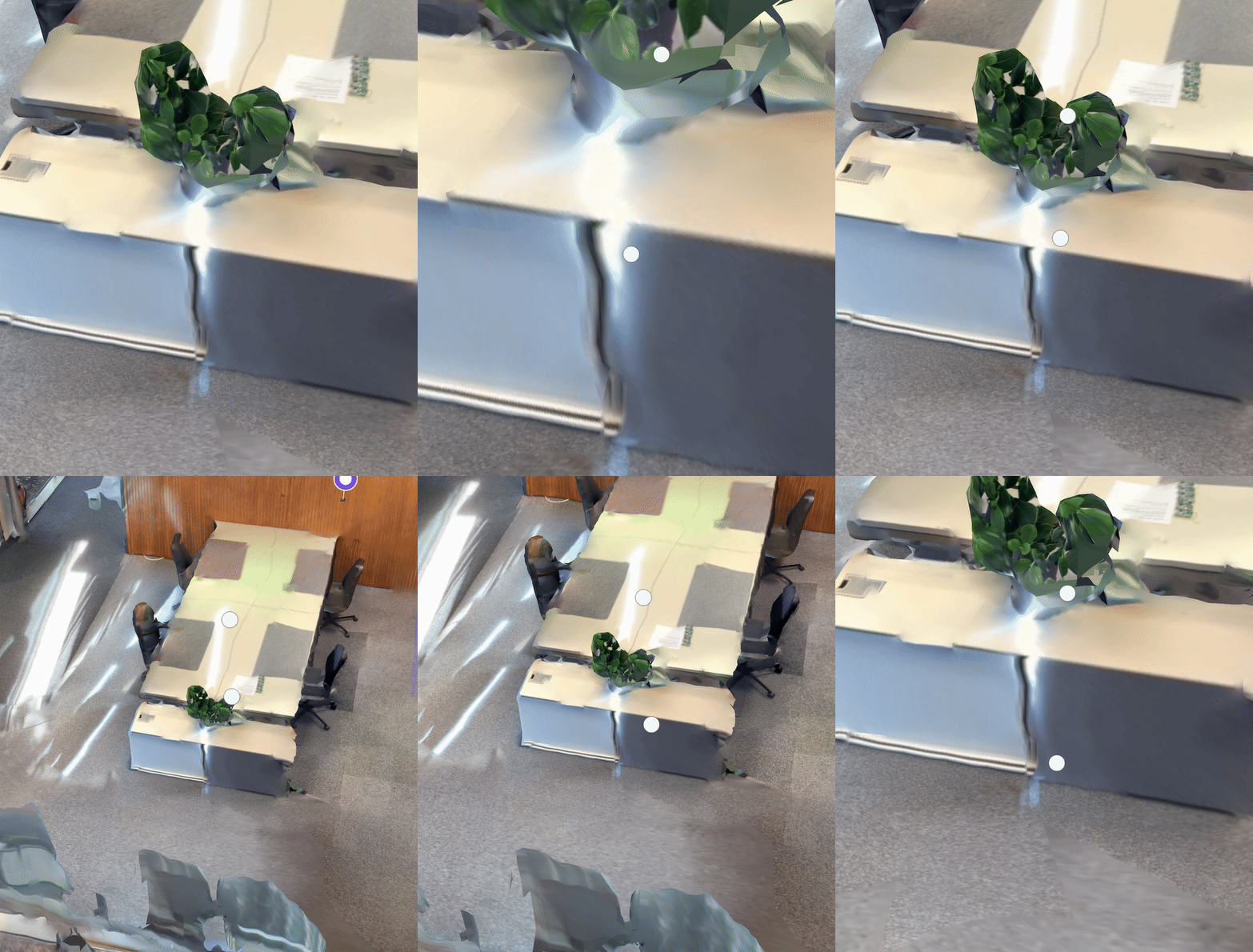
Zoom towards or away from the focal point
To move the camera towards or away from the focal point, pinch with two fingers.
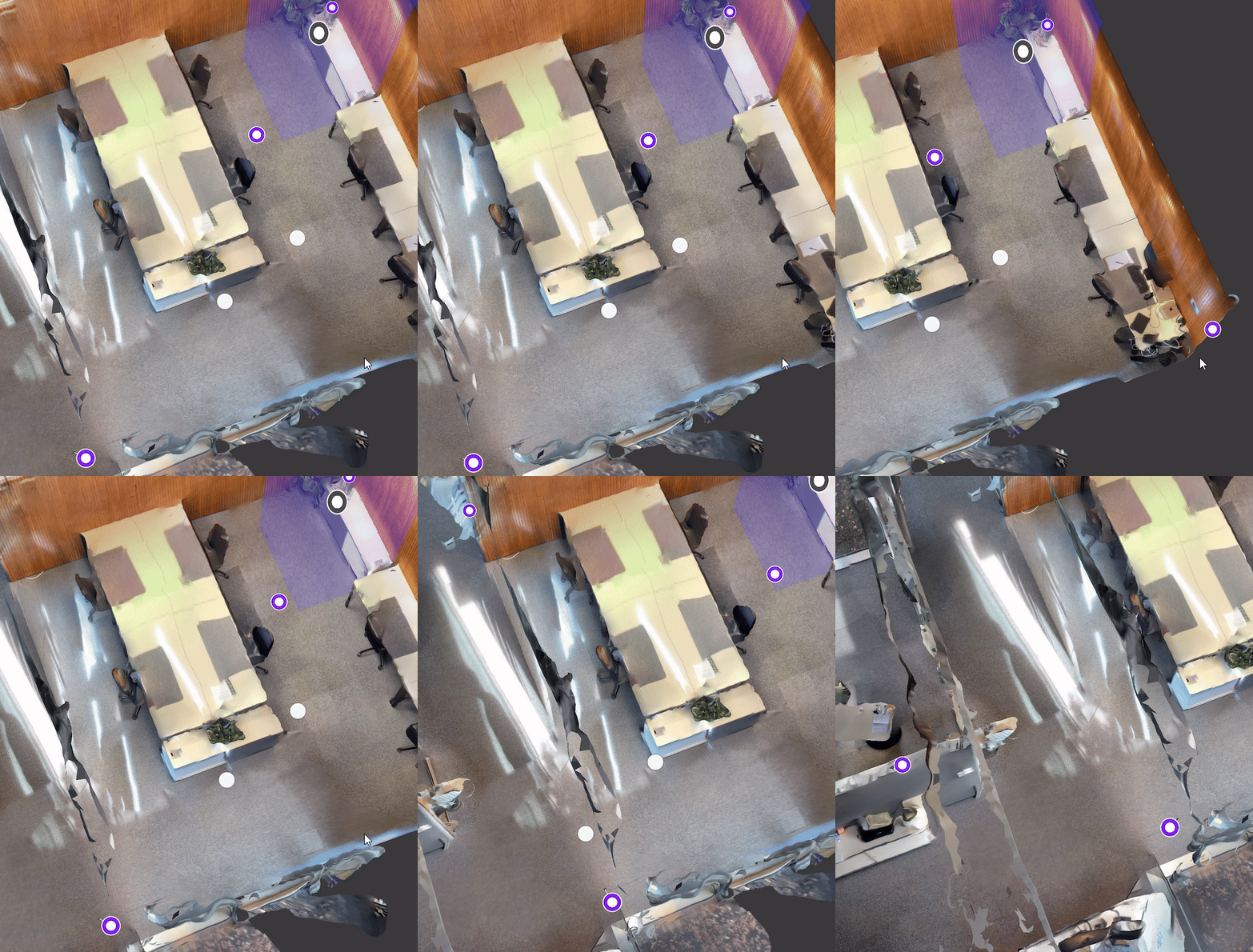
Readjust the focal point
You can move the focal point by swiping with two fingers in the direction you want to move the environment.
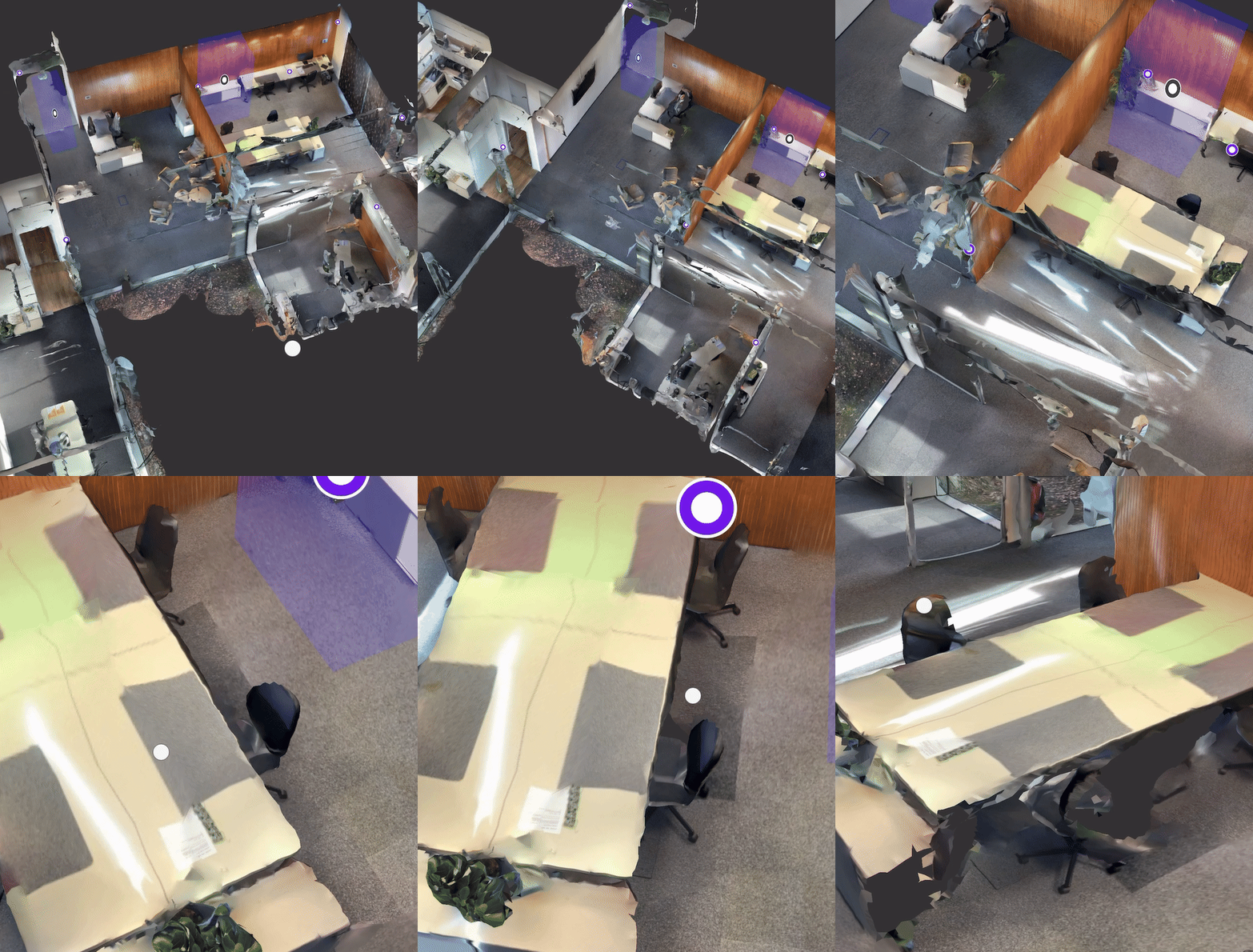
To focus on a distant point, double tap it. The camera and focal point automatically move to the point you double tapped.
Updated 8 months ago
Did this page help you?